> For the complete documentation index, see [llms.txt](https://delta-financial.gitbook.io/delta-document-portal/llms.txt). Markdown versions of documentation pages are available by appending `.md` to page URLs; this page is available as [Markdown](https://delta-financial.gitbook.io/delta-document-portal/guides/staking-delta.md).
# Staking Delta
You can stake Delta tokens in the Deep Farming Vault by following this guide.
## How to stake Delta tokens
### Connect your Wallet
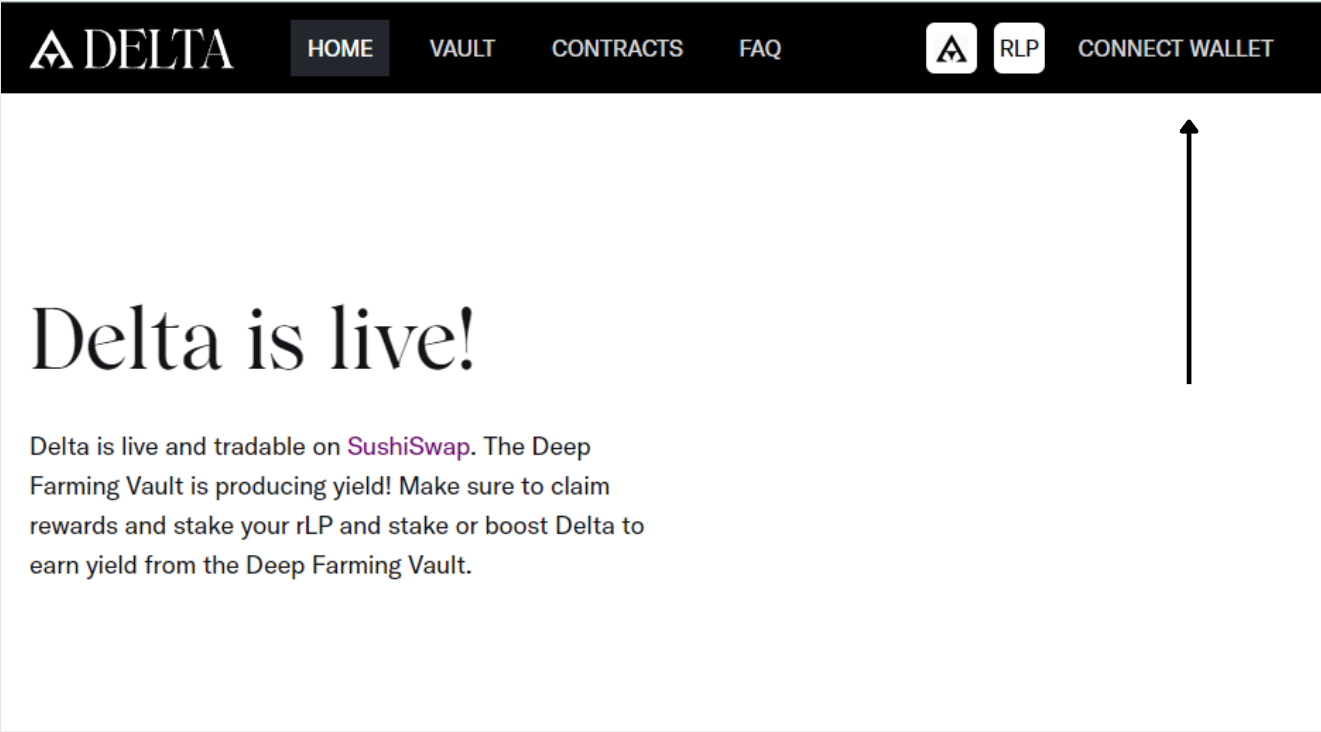
Go to [Delta Finance](https://delta.finance/) and connect your wallet by clicking on "Connect Wallet" in the top right corner and choosing between MetaMask or WalletConnect.
### Navigate to the Deep Farming Vault
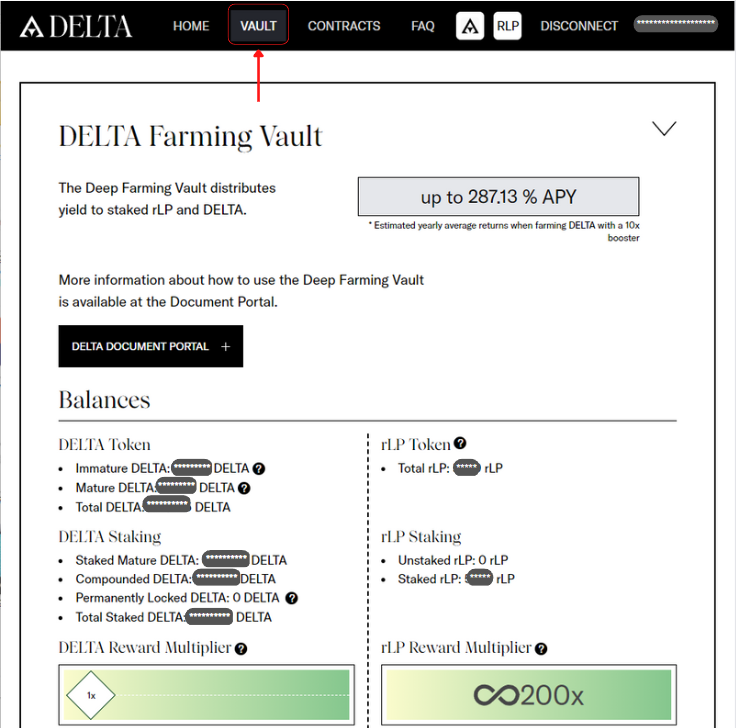
On the main page click on **Vaults** to open the Deep Farming Vault page.
Navigate to the Vault actions section of the vault making sure that "**Stake DELTA**" has been selected. Enter the amount of Delta you would like to stake or click "**MAX**". Depending on your type of deposit you can check or uncheck the "**Burn Deposit"** option. Make sure to read about [Burn Deposits](/delta-document-portal/deep-farming-vault.md#burn-deposit) before selecting this option.
Afterwards click the "**Stake"** button and confirm your transaction.
Give it a few minutes until the Balances section reflects your newly staked tokens.