> For the complete documentation index, see [llms.txt](https://delta-financial.gitbook.io/delta-document-portal/llms.txt). Markdown versions of documentation pages are available by appending `.md` to page URLs; this page is available as [Markdown](https://delta-financial.gitbook.io/delta-document-portal/guides/buying-trading-delta.md).
# Buying/Trading Delta
## How to buy/trade Delta
Delta can be purchased with Ethereum. First, navigate to [Delta Finance](https://www.delta.finance/) and connect your wallet.
### Connect your wallet
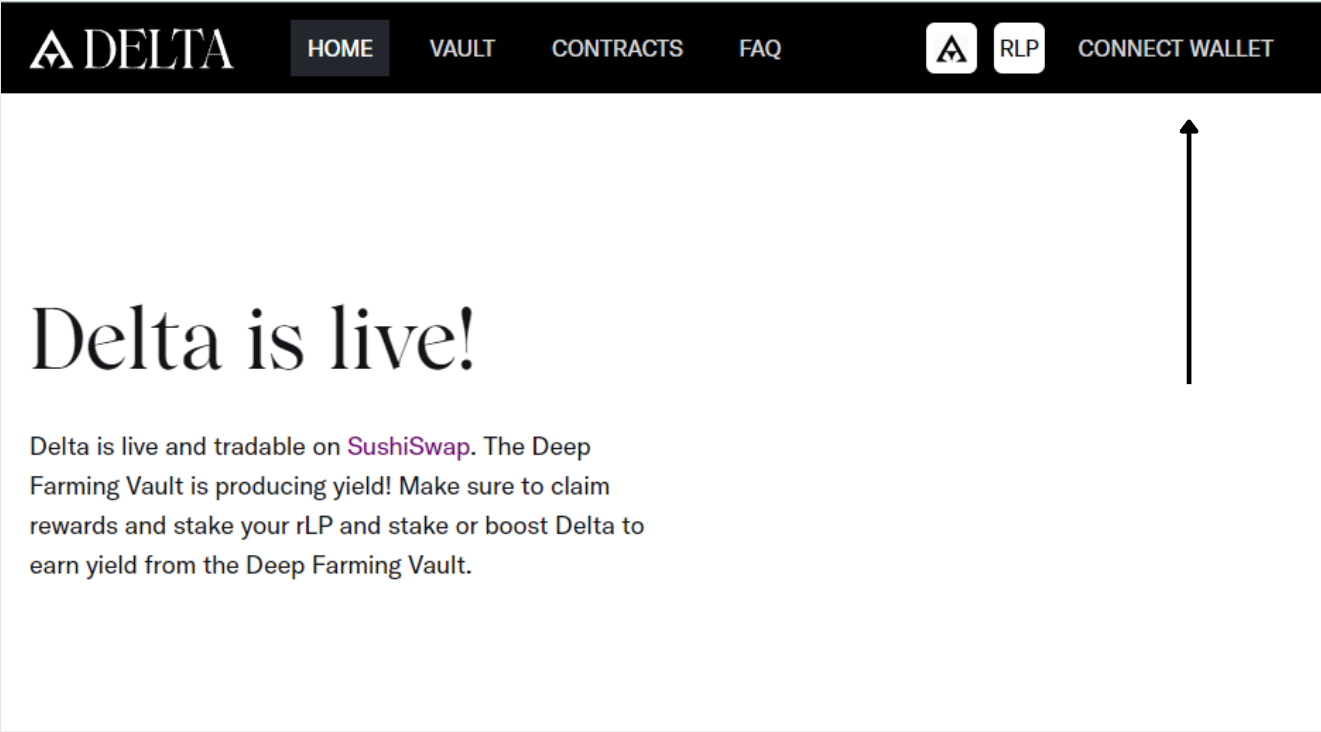
Go to [Delta Finance](https://www.delta.finance/) and connect your wallet by clicking on "Connect Wallet" in the top right corner.
### Navigate to Delta Vesting Schedule
On the main page scroll down to the Delta Vesting Schedule section. Click on the Trade Delta button to be taken to the Sushiswap exchange. You can purchase Delta with Ethereum on Sushiswap. After your purchase, do not be alarmed that your wallet received 10% of the original purchase. This is due to [Delta's Vesting Schedule](#delta-vesting-schedule).
### Delta Vesting Schedule
Our interface allows you track your Total Delta, the amount of Delta matured, your immature Delta, and each transaction of Delta separately. Using our platform is the best way to keep track of your Delta vesting schedule.
.png?alt=media)